EDLA Certified Displays: What Google EDLA Means for Buyers
Learn what EDLA certified means for commercial Android displays, what an EDLA interactive display gets you, and how to verify a supplier's EDLA claim.
Published 2026-09-23
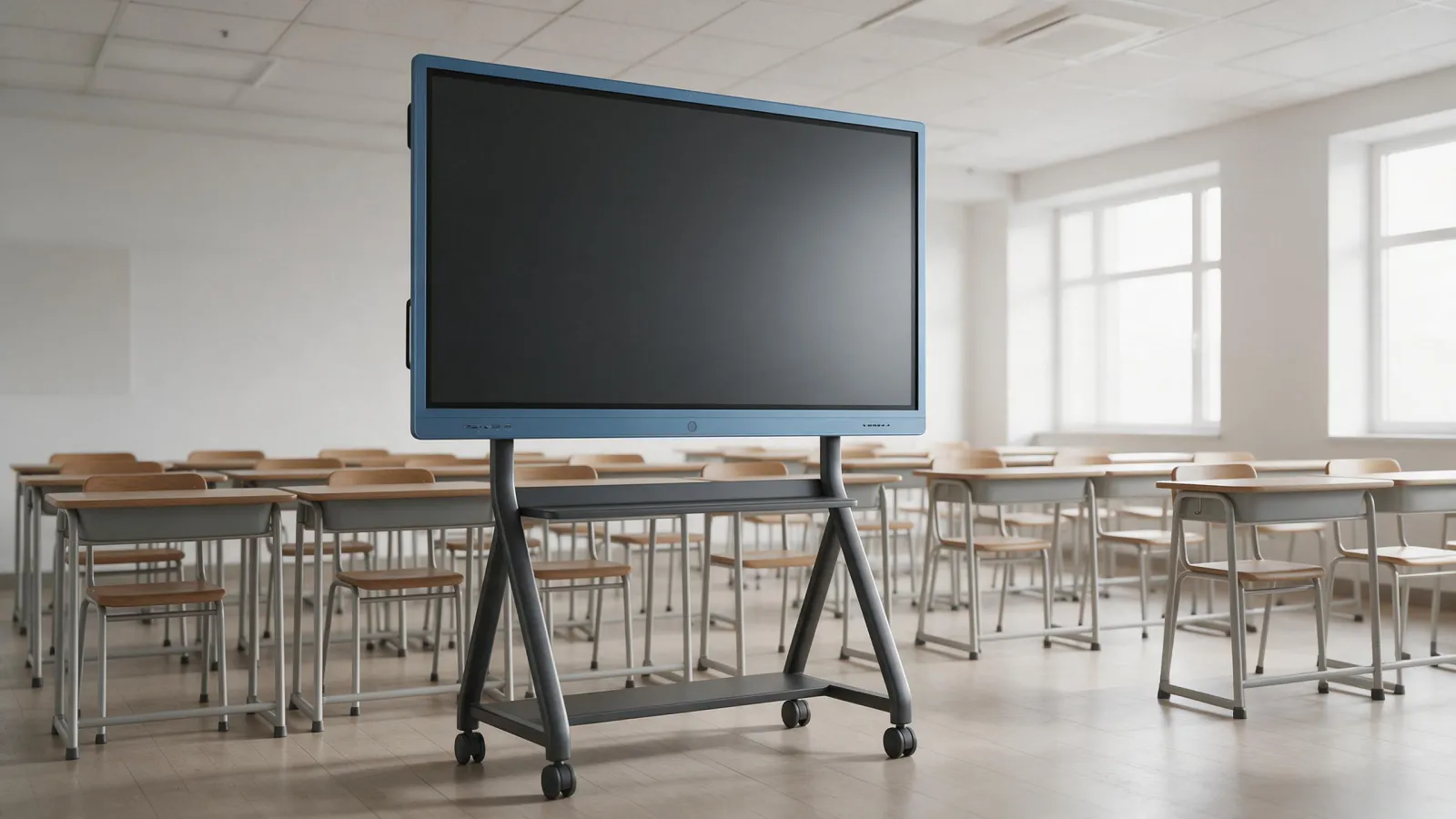
An EDLA certified display is an Android-based enterprise device that ships with licensed Google Mobile Services and the Google Play Store. That's the short version. For education resellers and corporate AV buyers, it means the panel works with Google accounts, Google Workspace apps, and Google's management tools out of the box. Not every Android display has this. We'll walk through what EDLA actually is, what you get, how it differs from a non-certified Android display, and how to check a supplier's claim before you order.
We're SLINVUE, the display brand of Shenzhen Smartline Technology. Our catalogue covers interactive flat panels, digital signage, self-service kiosks and LCD video walls. In our interactive flat panel range, only two models are described as EDLA-enabled: the RK3576 Android 16 EDLA and the MT9679 Android 14. We don't extend that claim to other models. If you're sourcing an EDLA interactive display, this guide tells you what to look for and what to ask any supplier.
What EDLA certification means for a commercial Android display
EDLA stands for Enterprise Devices Licensing Agreement. Google introduced it as a licensing path for manufacturers who build large-screen Android devices for enterprise use. Before EDLA, Google Mobile Services (GMS) was typically licensed for phones, tablets and some media boxes. Large interactive displays often ran the Android Open Source Project (AOSP) without GMS, or relied on sideloaded apps. EDLA changed that.
The key point: EDLA is a licensing agreement, not a hardware performance rating. It doesn't tell you anything about panel brightness, touch response, or processor speed. It tells you the device is approved to ship with licensed Google apps and services. According to rAVe, devices must run Google Mobile Services and support Android Enterprise features. That's the baseline.
So when a supplier says a display is EDLA certified, they're saying Google has licensed that specific model to include GMS. It applies to the built-in Android system, not to an external PC or a separate OPS module unless the supplier states otherwise. We'll come back to that verification point later.
What an EDLA-certified display actually gets you
With EDLA, the display ships with Google Mobile Services licensed and pre-installed. That includes Google Search, Chrome, Drive, YouTube, and the Google Play Store. Users can install apps directly from the Play Store, just like on an Android phone, but on a large touchscreen.
For schools and enterprises, the bigger win is Google Workspace access. AVNetwork reports that Google users get out-of-the-box access to Google Drive and YouTube, plus easy access to Google Classroom, Docs, Slides, and Sheets. That means a teacher can sign in with a Google account, open a lesson file from Drive, and run a Google Meet session directly on the panel. No laptop required.
Security updates also matter. EDLA-certified devices receive regular security patches through Google's update channels, and Google Play Protect scans apps for vulnerabilities. Administrators can manage app installations at scale, as noted in the same AVNetwork source. For IT teams, that's a big deal: they can push apps, set policies, and monitor devices from the Google Admin Console.
EDLA vs. a non-certified Android display or sideloaded apps
Here's the honest comparison. A non-EDLA Android display typically runs AOSP. It may look like Android, but it doesn't include licensed Google apps. You can't open the Play Store. You can't sign in with a Google account. You can't use Google Drive or Classroom natively. Some buyers try to work around this by sideloading APK files. That's tempting because it's cheap. But sideloading bypasses Google's security checks, creates versioning debt, and often breaks when apps update. You end up with a display that works until it doesn't.
An EDLA-certified display gets official app updates and compatibility guarantees from Google. The apps are tested for the device. The Play Store handles updates automatically. The difference isn't just convenience; it's reliability and security for enterprise deployment. A non-certified display may be cheaper, but it's not equivalent.
One more thing. EDLA certification is model-specific. A brand may have one EDLA model and several non-EDLA models. You can't assume the whole range is certified. Check the exact model name.
Why schools and enterprises standardising on Google Workspace should care
If your customers already use Chromebooks and Google Workspace, an EDLA display fits their workflow. Users sign in with Google accounts. They access Drive files without a laptop. They join Google Meet calls natively. The display becomes another Google endpoint, not a separate island.
IT teams get a consistent management layer. Displays appear in the Google Admin Console alongside other Google devices. Admins can push apps, enforce policies, and lock down settings remotely. That reduces the need for external OPS modules or casting workarounds. You don't need a Windows PC bolted onto the back of the panel just to run Google apps.
For education resellers, this is a strong selling point. Schools that standardise on Google Workspace want displays that behave like Chromebooks. An EDLA interactive display does that. Our education solutions page covers the broader range, but the EDLA models are the ones to lead with when Google integration is the requirement.
How to verify a supplier's EDLA claim
This is where buyers get burned. A supplier's marketing page can say "EDLA certified" and show a Google logo. That doesn't mean the specific model you're ordering is on Google's official list. Here's how to check.
First, ask for the exact model name. Not the brand, not the series. The specific SKU. Then check Google's official list of EDLA-certified devices. If it's not there, it's not certified. Simple.
Second, request written confirmation that the specific model is certified. A certification letter or a screenshot from Google's device list is reasonable. If the supplier hesitates, walk away.
Third, confirm whether the certification covers the built-in Android system or only an optional OPS module. Some suppliers sell a non-EDLA display with an EDLA-certified OPS module. That's a different procurement. The display itself may not be certified. Ask the question explicitly.
Fourth, ask for the Android version and GMS build number shown in the device settings. A certified device will show a GMS build. If the supplier can't provide that, it's a red flag.
We'll say this plainly: we don't publish a certification list for our own models. Our catalogue states that only the RK3576 and MT9679 interactive flat panels are described as EDLA-enabled. If you're buying from us, we'll confirm the exact model and Android version before you order. If you're buying from another supplier, ask them for the same proof.
EDLA-enabled models in the SLINVUE range
In our interactive flat panel range, two models are described as EDLA-enabled. The RK3576 model runs Android 16. The MT9679 model runs Android 14 and is available in 65, 75, 85, 86 and 98 inch sizes. No other SLINVUE models are described as EDLA-enabled. Our RK3588 model runs Android 15, and our V100 interactive blackboard runs Android 14, but neither is described as EDLA-enabled in our catalogue.
That's a deliberate distinction. We don't want a buyer to assume all our Android panels have licensed Google services. They don't. If you need EDLA, specify the RK3576 or MT9679. If you don't need Google services, other models may fit your budget.
Here's a quick comparison of the two EDLA-enabled models:
| Feature | RK3576 | MT9679 |
|---|---|---|
| Android version | Android 16 | Android 14 |
| EDLA-enabled | Yes, as described | Yes, as described |
| Available sizes | Not stated in catalogue | 65, 75, 85, 86, 98 inch |
| Touch points | Not stated | Not stated |
| Interfaces | Not stated | RS-232, RJ45, DP, HDMI, MIC, TF, USB 2.0/3.0, VGA, Earphone, SPDIF, USB TOUCH, Type-C |
Empty cells mean our catalogue doesn't state the specification. We don't fill in blanks with guesses. If a spec matters to you, ask us and we'll confirm from the source documentation.
Questions to ask before you buy an EDLA display
Copy this checklist into your procurement notes. It works for any supplier, including us.
- Is this exact model on Google's official EDLA device list?
- Does the certification cover the built-in Android system or only an OPS module?
- Which Android version and GMS build does the device ship with?
- How are security updates delivered and for how long?
- Can you provide written confirmation of certification for this specific model?
- What is the exact model name and SKU I should verify?
We answer these questions for our RK3576 and MT9679 models. For any other supplier, insist on the same level of detail. A vague "Google certified" isn't enough.
What to send us for a quote
If you're sourcing EDLA interactive displays, tell us the model or size you need, the quantity, your target market, and any customisation requirements. We'll confirm the exact configuration and Android version. Reach out through our contact page. We answer enquiries within 24 hours from our Shenzhen office.
You can also browse the full interactive flat panel range or our education solutions to see what fits. But remember: only the RK3576 and MT9679 are described as EDLA-enabled. If Google integration is non-negotiable, start there.
Sources
Frequently asked
What does Google EDLA stand for and what is its purpose?
EDLA stands for Enterprise Devices Licensing Agreement. Google introduced it to allow manufacturers to legally pre-install Google Mobile Services and the Google Play Store on large-screen enterprise devices like interactive displays. Its purpose is to bring licensed Google apps, security updates, and management tools to commercial Android hardware.
What is EDLA certified?
An EDLA certified device is one that Google has approved to run licensed Google Mobile Services, including the Play Store, Google Search, Chrome, Drive, and YouTube. It also supports Android Enterprise features and receives regular security updates. Certification is model-specific, not brand-wide.
How do I verify that a display is actually EDLA certified?
Ask the supplier for the exact model name, then check Google's official list of EDLA-certified devices. Request written confirmation for that specific model, and ask for the Android version and GMS build number from the device settings. If the supplier can't provide these, the claim is unverified.
Does EDLA certification apply to the whole device or only to an OPS module?
It depends on the supplier. Some displays have EDLA certification built into the Android system. Others may be non-certified but offer an EDLA-certified OPS module as an add-on. Always ask whether the certification covers the built-in system or only the module, because procurement and management differ.
Request a quote
Send the model, size and quantity you are quoting. You get a spec sheet and a price back within 24 hours.
- Lead time
- Bulk orders in as little as 15 days
- Build options
- OEM and ODM
- Support
- 24/7 technical and customer support