Digital signage cost: hardware, software and installation
Digital signage cost explained from the hardware side: display brightness, player, mounting, CMS, power and maintenance. Build a comparable quote request.
Published 2026-09-23
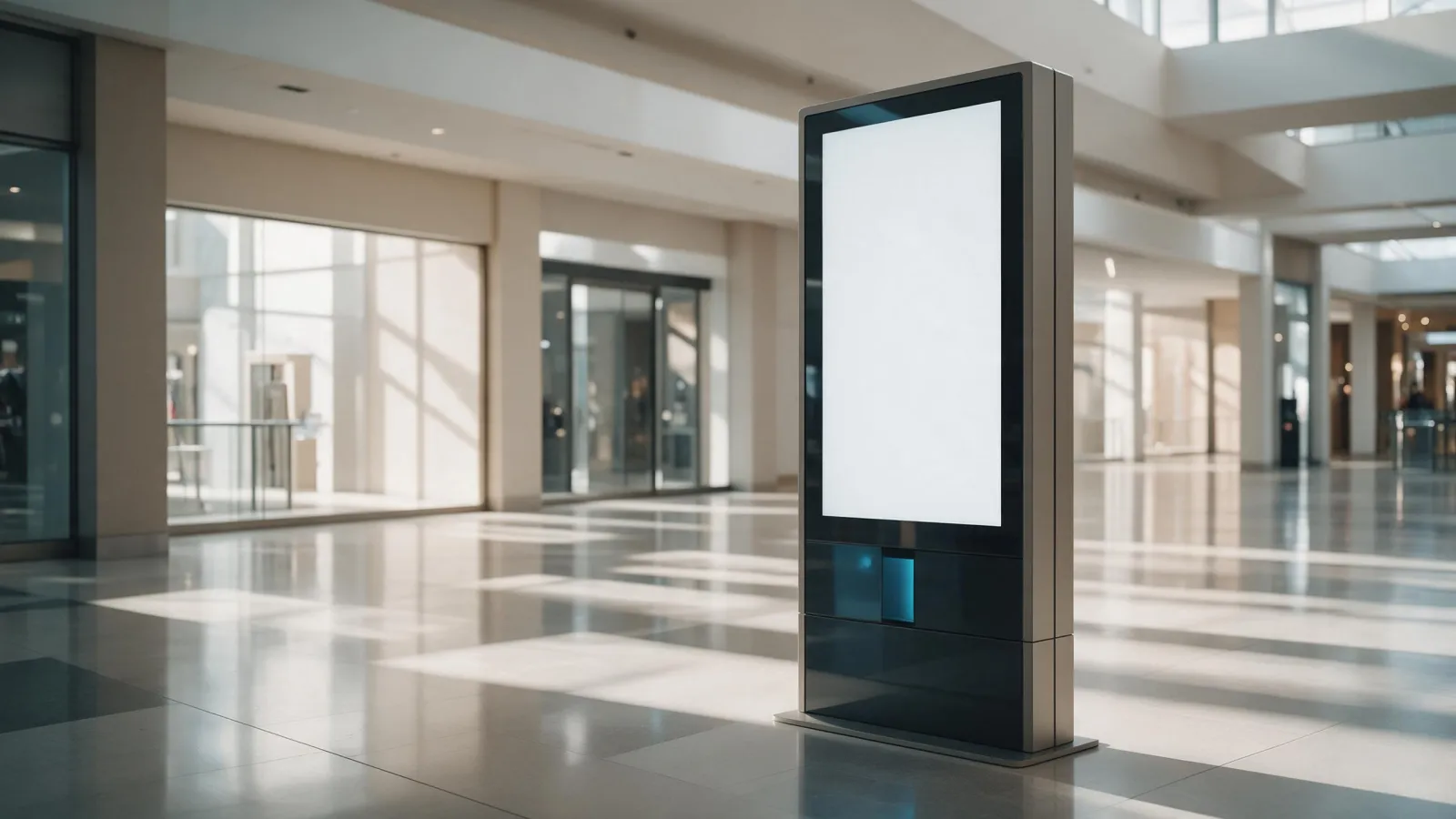
Digital signage cost is not one number. It's a stack of hardware choices, a CMS subscription, and ongoing power and maintenance. We publish no prices, so this guide teaches you how to build a comparable quote request that lets you compare suppliers line by line. See our digital signage displays for the specifications.
The real cost drivers in a digital signage deployment
Four hardware decisions move the quote more than anything else. Display size and resolution set the base. Brightness for the location changes the panel grade. Commercial versus consumer panel rating determines whether the screen survives 16/7 or 24/7 operation. Indoor versus outdoor enclosure and IP rating decide if you need a weatherproof housing.
Say a buyer puts a 43-inch lobby screen next to a 43-inch shop window screen. The window unit needs far more nits to fight sunlight, a commercial panel rated for continuous use, and an enclosure that keeps rain and dust out. The lobby unit can be a standard commercial panel in a simple mount. Same size, very different cost.
Display hardware: what you are actually paying for
You're paying for the panel, the backlight, and the electronics that run 16/7 or 24/7 without failing. A commercial panel uses components rated for continuous operation. A consumer TV panel is not built for that duty cycle, and it will fail sooner in a signage role.
Brightness is the biggest cost lever. Indoor lobby screens can run at 500 nits. A shop window facing direct sun may need more. The AVIXA Xchange listing shows indoor advertising displays with 500 and 700 nits options. High-brightness outdoor displays go up to 5,000 nits, per Digital Signage Today. More nits means more LEDs, more power, more heat, and a higher price.
Player choice also moves cost. A built-in Android player is the cheapest option. An external player adds a separate box and cabling. An OPS module, like the one we list in accessories, slides into a compatible display and gives you a full PC, but it's the most expensive route.
Size options range from 32 to 110 inch. Our floor standing digital signage runs from 32 inch up to 110 inch. The outdoor portable A-board covers 32, 43, 49, and 55 inch. Bigger panels cost more, but so does the logistics and mounting.
Player, mounting, and enclosure: the hidden hardware line items
You cannot quote a screen alone. You need a player, a mount, and possibly an enclosure. A built-in Android player keeps the install clean. An external player gives you flexibility to upgrade the media engine later. An OPS module gives you Windows or a full OS inside the display, at a higher price.
Mounting options change both hardware and labor cost. Wall mounts are cheap but need a solid wall and cable routing. Floor stands, like the R12 and SL-ULL mobile stands we list in accessories, are movable and don't need wall work. Ceiling hanging mounts for double-sided displays, like our ceiling hanging kiosk, require structural attachment and often an electrician.
Enclosure and IP rating matter as soon as the screen goes near weather or dust. A shop window with direct sun and condensation needs an IP-rated enclosure. An outdoor A-board needs full weather sealing. The cost is not just the box; it's the thermal management to keep the panel cool inside.
Network connectivity is another line item. Ethernet is reliable and cheap to run. Wi-Fi avoids cabling but can be flaky in a busy retail area. Some installs use Power over Ethernet. The original PoE standard, IEEE 802.3af-2003, provides up to 15.4 W per port, and IEEE 802.3bt raises that to 71.3 W, according to the Ethernet Alliance. Most signage displays draw more than 15.4 W, so PoE is usually for small screens or players, not the main panel.
CMS subscription and content production: recurring costs that scale
The CMS is a recurring cost per screen, usually per month. Some CMS vendors charge per screen, some per player, some per user. Free CMS options exist but often limit the number of screens, storage, or support. Paid CMS gives you remote management, scheduling, and proof of play.
Content production is the other recurring cost. Templates are cheap but look generic. Custom design costs more upfront but can be reused. Budget for content refresh every few months. A static screen loses attention fast. A buyer who plans four content updates a year will spend more over three years than the hardware cost.
Don't forget content management labor. Someone has to upload, schedule, and monitor the screens. That's a person, not a line item on the hardware quote.
Power, maintenance, and total cost of ownership
Power is easy to ignore and hard to ignore for long. A display can draw 190 W, and adding the media player results in $400 per year per display in energy costs, according to Digital Signage Today. A single display using 10 W more power can cost $30 more per year to run. Reducing brightness by 20% can cut energy consumption by as much as 20%, per rAVe PUBS.
Some regions mandate shutdowns. Germany and Spain have mandated that signage is switched off between 10 p.m. and 6 a.m., reported by rAVe PUBS. That changes your scheduling and your power bill.
Commercial panel lifespan matters. LED components typically last 5 to 10 years of continuous operation, and LED displays often last 50,000 to 100,000 hours, per AVIXA. A consumer panel won't last that long in a 24/7 role, so the cheaper panel costs more over time.
Maintenance includes remote management, firmware updates, and the occasional on-site visit. Ask any supplier for their warranty terms and support response times. We state ours only in a direct quote, not on this page.
How to build a comparable quote request for OEM/ODM signage hardware
When you source direct from a manufacturer, you need a spec sheet, not a wish list. Send us a model or size, quantity, target market, and any customisation. Link to the contact page for the form.
Here is a checklist you can copy into your RFQ:
- Display size and resolution (e.g., 55 inch, 3840 x 2160)
- Brightness in nits for the exact location (lobby, window, outdoor)
- IP rating or enclosure requirement
- Player OS: built-in Android, external player, or OPS
- Mounting type: wall, floor stand, ceiling hanging
- Panel type and commercial rating (16/7 or 24/7)
- Network: Ethernet or Wi-Fi
- Lead time and support terms
Compare line items across suppliers. One supplier may quote a lower panel price but omit the mount or the player. Another may include a CMS trial. The only way to compare is to ask for the same specs from everyone.
Frequently asked questions about digital signage cost
The questions below come from real buyers. We answer them without inventing prices.
How much does it cost to install digital signage?
Installation cost depends on the mount, the wall structure, and whether you need an electrician. A simple wall mount on drywall is cheap. A ceiling hanging double-sided display needs structural work. Ask your integrator for a site survey before you commit.
How much does a digital signage display cost?
We don't publish prices. The cost depends on panel size, brightness, and commercial rating. A 32-inch indoor screen costs less than a 55-inch high-brightness window display. Request a quote with your specs and we'll respond within 24 hours.
Is digital signage profitable?
It can be, if you sell the ad space or use it to lift in-store sales. The hardware cost is one part. The CMS, content, and power are recurring. A screen that runs 24/7 in a high-traffic area can pay for itself in ad revenue or reduced labor, but that's a business model question, not a hardware question.
What factors affect digital signage cost?
Display size, brightness, panel rating, player choice, mounting, enclosure, CMS subscription, content production, and power consumption. All of them scale with the number of screens. The biggest single lever is brightness: a shop window needs far more nits than a lobby, and that changes the panel grade and the price.
To get a quote from us, send the model or size, quantity, target market, and any customisation via our contact page. We'll respond within 24 hours.
Sources
- EKAA INDOOR DIGITAL SIGNAGE | AVIXA Xchange
- MWE Digital Signage Hardware Catalog - Indoor, Outdoor & Portable Solutions | Digital Signage Today
- [PDF] Overview of 802.3bt - Power over Ethernet Standard
- Powering down your digital signage | Digital Signage Today
- Powering Down Your Digital Signage - rAVe [PUBS]
- LED Signage: Should Your Company Make the Switch to Digital?
Frequently asked
How much does it cost to install digital signage?
Installation cost depends on the mount, the wall structure, and whether you need an electrician. A simple wall mount on drywall is cheap. A ceiling hanging double-sided display needs structural work. Ask your integrator for a site survey before you commit.
How much does a digital signage display cost?
We don't publish prices. The cost depends on panel size, brightness, and commercial rating. A 32-inch indoor screen costs less than a 55-inch high-brightness window display. Request a quote with your specs and we'll respond within 24 hours.
Is digital signage profitable?
It can be, if you sell the ad space or use it to lift in-store sales. The hardware cost is one part. The CMS, content, and power are recurring. A screen that runs 24/7 in a high-traffic area can pay for itself in ad revenue or reduced labor, but that's a business model question, not a hardware question.
What factors affect digital signage cost?
Display size, brightness, panel rating, player choice, mounting, enclosure, CMS subscription, content production, and power consumption. All of them scale with the number of screens. The biggest single lever is brightness: a shop window needs far more nits than a lobby, and that changes the panel grade and the price.
Request a quote
Send the model, size and quantity you are quoting. You get a spec sheet and a price back within 24 hours.
- Lead time
- Bulk orders in as little as 15 days
- Build options
- OEM and ODM
- Support
- 24/7 technical and customer support