Large Touch Screen Monitor vs Interactive Flat Panel
Decide between a large touch screen monitor and an all-in-one interactive flat panel. Compare compute, touch points, workflow, room size, and kiosks.
Published 2026-09-23
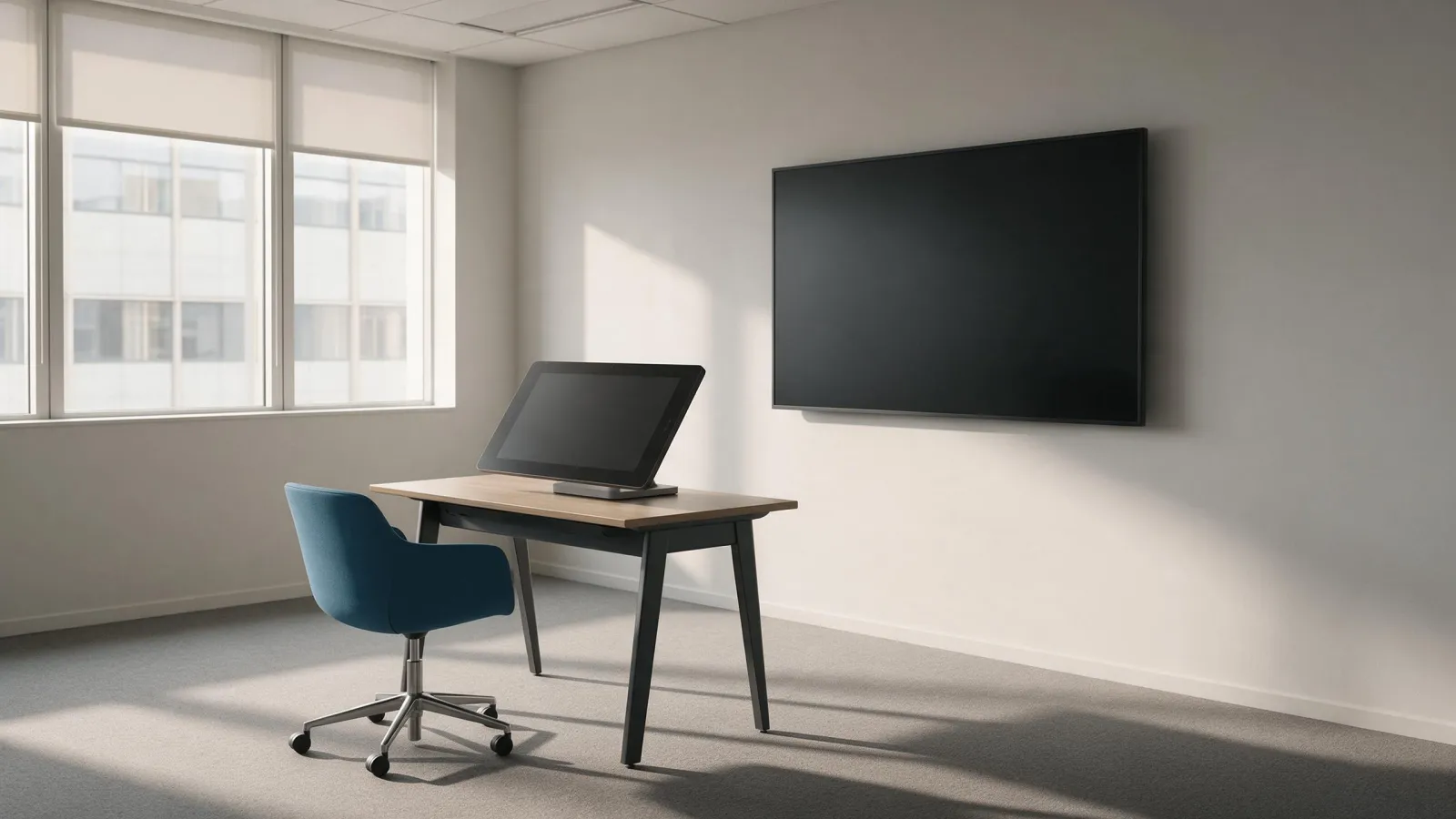
Large touch monitor vs. interactive flat panel: where the compute lives
A large touch screen monitor is a display only; it needs an external PC, OPS module, or media player for content and touch. You bring the computer, we bring the panel. That's the core distinction. An interactive flat panel has a built-in Android system and can run whiteboarding, browser, and apps without an external PC. Our interactive flat panels run Android 14, 15, or 16 depending on the model; the RK3576 and MT9679 models are EDLA-enabled. Our touch table uses dual system switching, so it can be driven by an external source or its own system.
Say you're an AV integrator quoting a boardroom refresh. If the client already owns a meeting room PC with a preferred UC platform, a large touch screen display keeps that investment. The monitor adds no software. If the room needs a standalone whiteboard that anyone can walk up and use, an interactive flat panel is usually the better fit. The compute lives inside the panel, so there's no extra box to hide.
We don't publish a large touch monitor line as a separate category. Our interactive flat panels cover that role with built-in Android. If you need a display driven by an external PC, ask us about OPS modules and external sources.
Touch points and multi-user interaction: what the spec sheet really means
Touch points are not the same as simultaneous users. A 40-point touch panel can support multiple users, but the software must be designed for it. A whiteboard app that only tracks two pens won't use forty points. The hardware is capable; the workflow isn't automatic.
Our RK3588 interactive flat panel is listed with 40 touch points. That's the number the touch controller reports to the OS. It doesn't mean forty people can write at once. It means the panel can distinguish forty distinct contact points if the application asks for them. Multipoint touchscreens describe detecting multiple touches at the same time and different locations. US7663607B2 also describes a transparent capacitive sensing medium configured to detect multiple touches or near touches that occur at the same time and at different locations. Our touch table is listed with 10-point capacitive touch. For a table, that's enough for two or three people working around it. Our floor standing self-service kiosk is listed with 10 points PCAP touch. For self-service, ten points is overkill; a single finger is the typical use case.
A buyer who needs true multi-user collaboration should ask any supplier: how many simultaneous users does the bundled whiteboard support? The touch point count alone is marketing. The software limit is what matters.
Whiteboarding, screen sharing, and meeting workflow
Interactive flat panels are built for whiteboarding and wireless screen sharing from the built-in OS. You turn on the panel, pick the whiteboard app, and start writing. No laptop required. A large touch monitor relies on the connected PC for whiteboarding and screen sharing; the monitor itself adds no meeting software. The PC does the work. The panel is just a surface.
If the room already has a dedicated meeting PC or a preferred UC platform, a large touch monitor can be simpler to manage. IT controls one Windows image, patches it, and locks it down. The monitor has no OS to update. If the room needs a standalone whiteboard that anyone can walk up and use, an interactive flat panel is usually the better fit. No one has to log in to the room PC just to sketch an idea.
Screen sharing is another fork. Built-in Android panels often support wireless casting from phones and laptops. A large touch monitor needs the external PC to run the casting receiver. That's one more thing to configure. For a huddle room, the all-in-one panel wins. For a boardroom with a managed PC, the monitor is fine.
Room size, viewing distance, and panel grade
For a 55-inch display, a comfortable touch and viewing distance is roughly arm's reach to a few steps back; for 65 to 86 inches, plan for a larger room where users can stand back and still reach the top edge. Touch distance is shorter than viewing distance. You can read a 55-inch panel from across the room, but you can't reach the top of it from there. Plan for reach first.
Large touch monitors are often available up to 55 or 65 inches; our interactive flat panels go up to 98 inches. The MT9679 model lists 65, 75, 85, 86, and 98 inch sizes. That's the range for a big boardroom or training room. A 98-inch panel needs a wall that can take the weight and a mounting height that keeps the top edge reachable.
Commercial panels are rated for longer duty cycles than consumer TVs; our digital signage and interactive flat panels are built for commercial use. We don't publish a duty cycle number. Ask any supplier for the panel grade and expected daily hours. A consumer TV used as a meeting room display will fail early. A commercial panel is designed for it. Our digital signage range includes floor standing models from 32 to 110 inches. That's a different form factor, but the panel grade logic is the same.
Mounting, cable management, and what breaks the deal
A large touch monitor needs a VESA mount or stand, plus separate cables for video, touch (USB), and power. Three cables minimum. If the PC is behind the wall, you're pulling long runs. An interactive flat panel has fewer cables because the system is built in; it still needs power and network. One power cable, one Ethernet if you're not on Wi-Fi. That's it. The cable count alone can decide a project.
Our accessories include the R12 mobile stand and SL-ULL mobile stand for moving displays between rooms. A mobile stand turns a fixed panel into a cart. That works for both monitors and panels, as long as the VESA pattern matches.
What breaks the deal in each direction? If the external PC fails, the touch monitor is just a monitor; if the built-in Android system fails, the whole panel may need service. A monitor with a dead PC is a blank screen. A panel with a dead Android board is also a blank screen, but you can't swap the PC. You have to service the panel. That's the trade-off: simpler install versus simpler repair. An OPS module splits the difference; it's a slot-in PC for a panel. Ask any supplier about OPS compatibility before you commit.
The third path: touch tables and self-service kiosks
When the screen is horizontal or the use case is self-service, a touch table or kiosk is often better than a wall-mounted monitor. A wall-mounted panel is for standing users facing a wall. A table is for people sitting around it. A kiosk is for one person standing in front of it. The form factor changes the interaction.
Our touch table is listed with 4K UHD and 10-point capacitive touch, with dual system switching. That dual system switching means you can drive it from an external source or its own system. For a reception area or a collaborative workspace, a touch screen table is a conversation piece that actually works. Our self-service kiosks range from 21.5 to 43 inches and include Android and Windows options. For a lobby directory, a self-service kiosk is a better fit than a touch monitor on a stand. Our floor standing self-service kiosk is listed with 10 points PCAP touch and 1920x1080 resolution. That's a self-service workhorse, not a collaboration tool.
A buyer who wants a horizontal display for a specific task should look at the table first. A buyer who wants a wall-mounted display for meetings should look at the panel first. The monitor is the middle path, and it's the one we don't sell as a standalone category.
How to shortlist: a buyer's checklist for corporate AV
- Decide who supplies the compute: external PC, OPS module, or built-in Android.
- Confirm the number of touch points and whether the software supports multi-user interaction.
- Check the room size and viewing distance against the display size.
- Ask about duty cycle and panel grade for long daily use.
- Plan mounting and cable management before ordering.
- Consider a touch table or kiosk if the screen is horizontal or self-service.
Send us your model or size, quantity, target market, and any customisation. We'll reply with a quote. Bulk order lead time is as little as 15 days. Enquiries are answered within 24 hours. Our office is at RM1405, Block A, Xichuang Technology Building, No.7025 Liuxian Avenue, Xili Street, Nanshan District, Shenzhen. Contact us and we'll take it from there.
Sources
Frequently asked
What is the largest touch screen monitor available?
Large touch monitors are often available up to 55 or 65 inches. Our interactive flat panels go up to 98 inches. The largest size depends on the supplier. Ask any supplier for the exact maximum size and panel grade.
What is the biggest touch screen device?
The biggest touch screen device we list is a 110-inch floor standing digital signage display, though it is not a touch model. For touch, our interactive flat panels go up to 98 inches. A touch table or kiosk can also be considered for large interactive surfaces.
Is there a 40-inch touch screen monitor available?
We do not list a 40-inch touch screen monitor as a standalone category. Our self-service kiosks range from 21.5 to 43 inches and include touch. Our interactive flat panels start at 65 inches. A 40-inch touch display could be sourced as a kiosk or a custom panel.
Is there such a thing as a touchscreen monitor?
Yes. A touchscreen monitor is a display with a touch-sensitive surface, usually driven by an external PC. A large touch screen monitor is a display only; it needs an external PC for content and touch. An interactive flat panel has a built-in Android system and can run apps without an external PC.
Request a quote
Send the model, size and quantity you are quoting. You get a spec sheet and a price back within 24 hours.
- Lead time
- Bulk orders in as little as 15 days
- Build options
- OEM and ODM
- Support
- 24/7 technical and customer support