Interactive whiteboard vs interactive flat panel: which to buy
Compare interactive whiteboard vs interactive flat panel for classrooms and meeting rooms. We cover daylight image, calibration, running cost, audio, and layout.
Published 2026-09-23
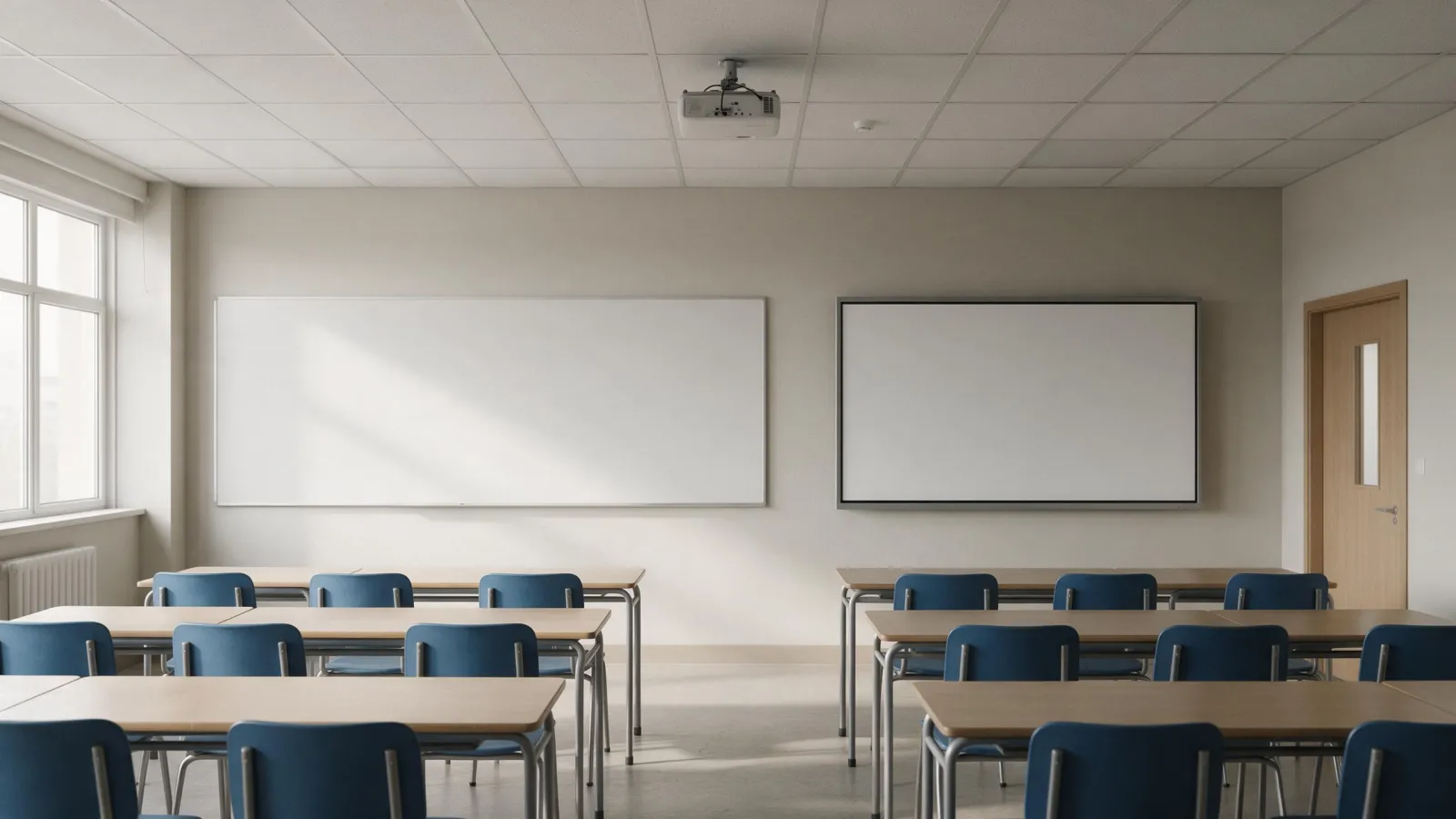
Interactive whiteboard vs interactive flat panel really comes down to light, upkeep, and how much disruption you'll stomach. A projector-based interactive whiteboard pairs a projector with a touch-sensitive surface. An interactive flat panel? Display, touch, and computer, all in one panel. We compare both for classrooms and meeting rooms, then say when a projector still wins.
What Is an Interactive Whiteboard?
An interactive whiteboard, or IWB, is a projector-based system. It's got three parts: a projector, a touch-sensitive whiteboard surface, and a computer. The projector throws the computer image onto the board. Then the board sends touch coordinates back. Some boards use infrared sensors around the frame; others need a special pen. You have to calibrate the touch points to the projected image, and you need controlled lighting. In bright daylight, the image washes out. These systems are common in legacy classrooms and meeting rooms built around a projector.
Smart board vs interactive flat panel is the same comparison. A smart board is a branded interactive whiteboard; an interactive flat panel is the all-in-one alternative. Integrators use the shorthand IWB vs IFP.
What Is an Interactive Flat Panel?
An interactive flat panel, or IFP, is an all-in-one LED display with built-in Android and touch. No projector, no separate computer, no calibration drift. The panel is backlit, so it stays visible in daylight. Wall mount it, or roll it around on a stand. Several IFP models are in our catalogue. The SLINVUE Interactive Flat Panel (9679, Android 14) comes in 65, 75, 85, 86, and 98 inch sizes with 4K resolution. 40 touch points are supported on the SLINVUE Interactive Flat Panel (RK3588, Android 15). The SLINVUE Interactive Blackboard (V100, Android 14) is an 86 inch panel made for classrooms.
A projector whiteboard vs flat panel? It's usually this: the flat panel is one box; the projector system is three boxes that must work together.
Image Quality in Daylight and Bright Rooms
Projector images wash out in ambient light. It's simple: they depend on reflected light. Daylight or ceiling light competes with that. Projector brightness is often misunderstood. A 15,000-lumen projector's brightness depends on image size. You divide total brightness by screen area to get actual brightness. For a 16 feet wide by 9 feet tall screen, starting at 100 lumens per square foot means you need 14,400 lumens. Some projector lenses can decrease light output by 30%. So you may need even more. In a bright room, a low-gain projector screen with ambient-light-rejecting properties gives the best picture quality for Microsoft Teams Rooms, according to Microsoft.
Flat panels are backlit, so they stay visible in daylight. Most home LCD screens are around 350 nits. That's just over 100 lumens per square foot, per the same projector guide. A flat panel doesn't rely on reflected light, which means a presenter standing in front doesn't cast a shadow on the image. And no glare from a projector beam in your eyes either. For a meeting room with windows, that's a big deal.
Touch Accuracy, Calibration, and Multi-Touch
Projectors don't stay put. Bump the cart, nudge the mount, and the touch points wander off the image. You're stuck running a calibration routine, tapping crosses on the screen. Some units hold it for months. Others drift in weeks. Teachers forget. It's a chore. Interactive flat panels don't have that problem. The touch sensor is laminated right to the glass. Where you see it, that's where you touch. Always.
How many touch points do you actually need? Collaboration. Our SLINVUE RK3588 model handles 40. Four kids can scribble at once, no fighting over one pen. A projector whiteboard might claim 10 or 20. But if the calibration's off, those numbers don't mean much.
Running Costs: Lamps, Maintenance, and Lifespan
Projector lamps degrade. They need replacing. A lamp projector gets dimmer over time, and a replacement lamp can run you several hundred dollars, depending on the model. Laser projectors last longer, sure, but their light source isn't infinite either. Flat panels? Longer lifespan, no lamp. The backlight is usually rated for tens of thousands of hours. Nothing to swap out. Over five years, even if the upfront price stings, flat panels often win on total cost of ownership.
We don't publish lifespan numbers for our panels. Ask any supplier for backlight rated life and expected service life under your usage hours. But no lamp? That's a real saving.
Installation, Audio, and Room Layout Changes
Projectors need ceiling mounts and cabling. You're running power, video, control, plus USB for touch to the computer. It's a ceiling job, often with conduit or poles. Flat panels, though, mount on a wall or a mobile stand. You run one power cable and maybe a network cable. No ladder, no ceiling work.
Audio differs too. Flat panels often have two front-firing drivers built in. Enough for a small room. Many projectors lack speakers or only have weak ones, so you end up adding external audio. More cabling, more cost. For a meeting room where you share video, the flat panel's speakers are simpler. In a large classroom, you might add external speakers either way. But the flat panel starts with usable audio.
What if the room layout changes? A flat panel is easier to relocate. Unbolt it from the wall or roll the stand to a new spot, plug in power, and you're done. No recalibration. A projector system? Harder. You move the projector, re-aim it, adjust keystone, and recalibrate touch. If throw distance changes, you may need a different lens or a new screen size. Relocation cost for a projector can approach the cost of a whole new install.
When a Projector Still Wins
A projector still wins for very large image sizes beyond 98 inches. The largest interactive flat panel in our catalogue is 98 inches. If you need a 120 inch or 150 inch image, a projector is the only practical option. A tight upfront budget also favors a projector. A basic interactive whiteboard setup typically costs less than a large flat panel, though running costs erase that advantage over time. Rooms with no wall reinforcement for heavy panels are the third case. A large flat panel can weigh over 100 kg, so check the wall; a projector and screen weigh much less. If the wall is drywall over studs without blocking, a projector may be the only safe choice.
Say a school has a 20 foot wide wall in the auditorium and wants a 160 inch image. A projector is the answer. Say a startup has $1,500 and a small meeting room. A used or basic interactive whiteboard may fit. Say a room has glass walls and no reinforced wall. A ceiling-mounted projector with a pull-down screen avoids the structural question.
Comparison Table
| Feature | Interactive Whiteboard (Projector) | Interactive Flat Panel |
|---|---|---|
| Image in daylight | Washes out; needs dark room | Backlit; visible in bright rooms |
| Calibration | Periodic; drifts when moved | None; factory calibrated |
| Touch points | Varies; often 10-20 | Up to 40 on RK3588 model |
| Lamp or light source | Lamp or laser; degrades | LED backlight; no lamp |
| Audio | External speakers often required | Built-in speakers included |
| Installation | Ceiling mount, multiple cables | Wall or mobile stand, one cable |
| Relocation | Re-aim, re-calibrate, possible lens change | Move, plug in, done |
Buyer Checklist
- Measure the room first. Then decide the minimum image size you'll need in daylight.
- Check the wall. A large panel can weigh over 100 kg, so the wall's load capacity matters. Or use a mobile stand.
- Ask any supplier about the backlight rated life and warranty terms.
- Confirm the touch point count. Does it support the number of simultaneous users you expect?
- Decide if you need built-in Android or will use an external OPS PC.
- Plan for audio. Built-in speakers may be enough for a small room. Large rooms? You'll need external sound.
- Estimate the five-year cost, not just the purchase price.
What to Send Us for a Quote
We'll need the model or size you're after, the quantity, your target market, and any extras-logo, software preload, that sort of thing. Fire your request over via our contact page. We'll get back to you within 24 hours. Working on an education project? Check out our education solutions and the interactive flat panel range.
Sources
Frequently asked
What is the difference between an interactive whiteboard and an interactive flat panel?
An interactive whiteboard is a projector-based system with a separate touch surface and computer. An interactive flat panel is an all-in-one LED display with built-in Android and touch. Flat panels need no calibration and stay visible in daylight.
What are the disadvantages of interactive whiteboards?
Interactive whiteboards need controlled lighting, periodic calibration, and lamp replacement. They require ceiling mounting and separate audio. Relocating them means re-aiming the projector and recalibrating touch.
Which is better for classrooms: interactive whiteboard or interactive flat panel?
For most classrooms, an interactive flat panel is better. It's visible in daylight, needs no calibration, and has no lamp. A projector whiteboard may win for very large images or a tight initial budget.
Do interactive flat panels require calibration?
No. Interactive flat panels have the touch sensor laminated to the glass, so touch points stay aligned. Projector-based whiteboards need periodic calibration because the projector and board can shift.
Request a quote
Send the model, size and quantity you are quoting. You get a spec sheet and a price back within 24 hours.
- Lead time
- Bulk orders in as little as 15 days
- Build options
- OEM and ODM
- Support
- 24/7 technical and customer support