Interactive Digital Signage: Hardware That Takes Touch
Interactive digital signage means displays that respond to touch. This guide covers capacitive vs infrared touch, brightness, formats, and buyer checklist.
Published 2026-09-23
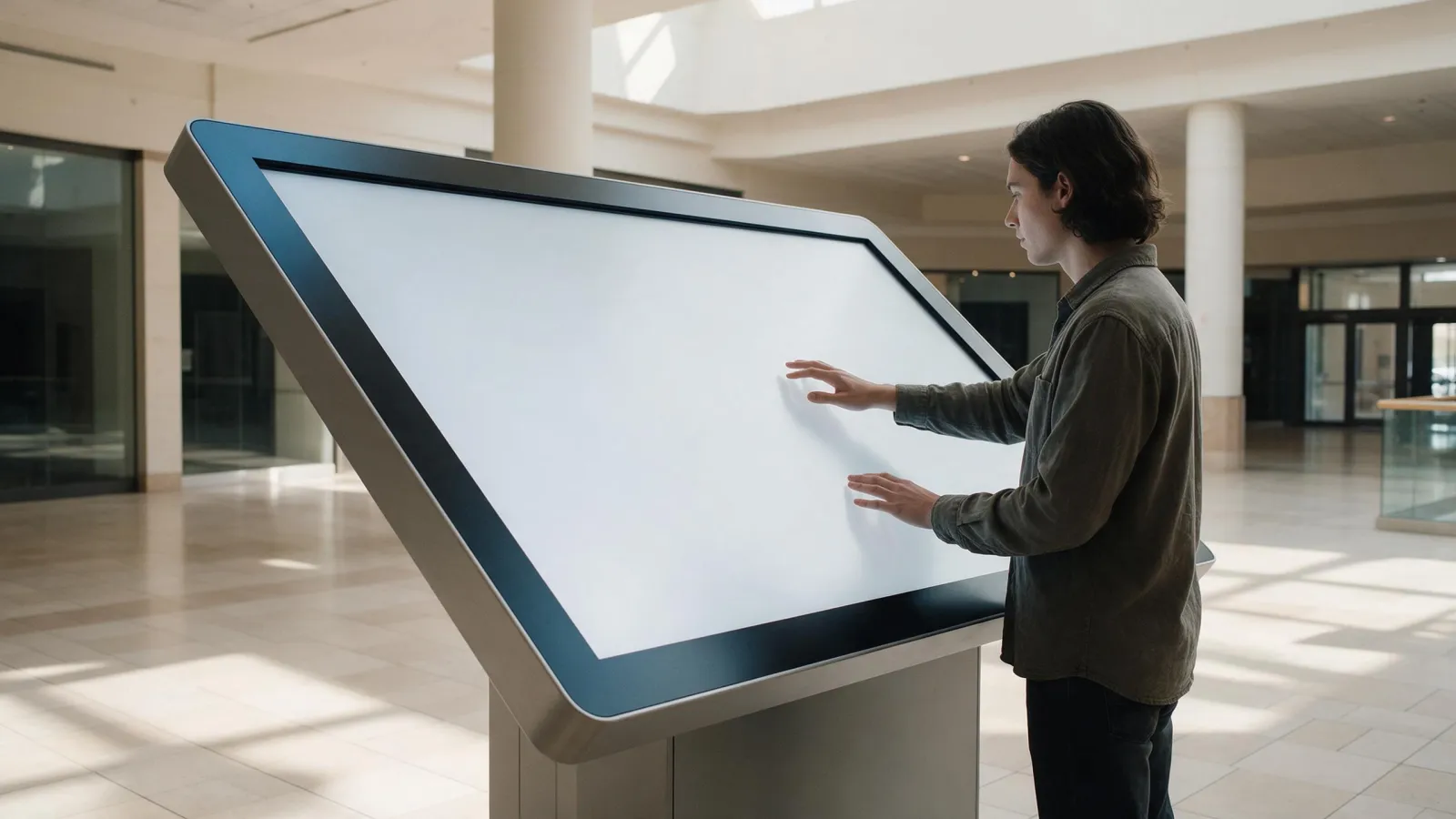
Interactive digital signage responds to user input. Touch, mostly. A passive screen becomes a two-way tool for retail, malls, and transport. We'll cover what makes signage interactive, how to pick touch technology, brightness, the formats we build, and what to send us for a quote.
What Makes Digital Signage Interactive?
Interactive signage accepts input from a user and changes its content in response. Touch is the main input, but you'll also see sensors, voice triggers, and QR codes that bridge a phone to the screen. The shift is from push content to pull content. A playlist that plays no matter who's watching? That's push. A directory that waits for a tap? Interactive. A looping ad is not.
Why does this matter for hardware? Interactive use changes the panel spec. You need a touch overlay, a player that can handle unpredictable input, and content built for branching rather than looping. The display itself has to sit in a public space. So glass, brightness, and mounting all get harder. We'll get into each.
Touch Technology: Capacitive vs Infrared for Public Displays
Resistive, infrared, surface capacitive, surface acoustic wave, projected capacitive. Those are the five main touchscreen types, per Control Design. (Touch Screen Kiosk Monitors: Types, Tech) (Touchscreen Comparison - Touchscreen FAQ) For public digital signage, it usually comes down to projected capacitive or infrared. PCAP? A conductive grid behind a glass overlay. Multi-touch works, and so do surgical gloves or thin cotton gloves. IR uses emitters and receivers around the bezel, creating an invisible light grid. It works with any object, including thick gloves. Scaling to large panels? Easy.
Shop windows and enclosures make touch through glass the key spec. As the overlay gets thicker, PCAP sensitivity drops. So you've got to specify the glass thickness with the touch controller. IR? Less affected by glass. The touch frame sits in front of the panel, not behind it. But IR can be blocked by dust or direct sunlight. Cost is another trade-off: PCAP usually costs more for large sizes, while IR adds a bezel and can look less sleek. Ask your supplier for the touch-through-glass rating. And test with the actual overlay thickness you plan to use.
Brightness and Environment: Matching the Panel to the Location
Indoor lobby and retail totems? They need moderate brightness. Window-facing or semi-outdoor spots need more. Direct sunlight can exceed 100,000 lux, which makes low-brightness displays unreadable, per AVIXA. A panel looks fine in a showroom, sure. Put it next to a storefront window, and it washes out. Ambient light hurts perceived contrast too: a black background in a bright lobby turns grey. And that hurts touch usability. Users can't see the buttons.
Transparent LCD and stretched bar displays have their own brightness quirks. Transparent panels, no full backlight, so they lose light. They work best in controlled lighting. Stretched bar displays often sit in bright transport corridors. You'll want a high-brightness variant. Always ask for the panel's rated nits. If you can, test it in the actual installation environment.
Formats We Build: Floor Standing, Wall Mounted, Touch Table, Transparent LCD, Stretched Bar
We make five main formats for interactive digital signage. Floor standing displays run from 32 to 110 inch, with Android 12 and both 1080p and 4K resolutions. They're the workhorse for lobby directories and retail wayfinding. Wall mounted options? You've got interactive flat panels like the MT9679 in 65, 75, 85, 86, and 98 inch sizes, and self-service kiosks from 21.5 to 43 inch. The touch table offers 10-point capacitive touch and 4K UHD with dual system switching. It's good for product exploration or group interaction.
Transparent LCD comes in 32 to 98 inch sizes. That suits high-end retail displays where you want the product visible behind the screen. Stretched bar LCD, from 28.6 to 49.5 inch, fits narrow spaces like shelf edges and transport information strips. Each format has different touch and brightness requirements. So specify the use case first.
| Format | Touch | Brightness Needs | Best Use |
|---|---|---|---|
| Floor standing | Optional PCAP or IR | Moderate indoor, higher for window-facing | Lobby directory, mall wayfinding |
| Wall mounted IFP | 40 touch points (RK3588) | Standard indoor | Meeting room, classroom, retail info |
| Touch table | 10-point PCAP | Indoor, controlled light | Product exploration, museum |
| Transparent LCD | Optional | Low to moderate, avoid direct sun | Premium retail, showroom |
| Stretched bar | Optional | High brightness for transport | Transport info, shelf edge |
Player, CMS, and Content: The Software Side of Interactive Signage
The media player or system-on-chip runs the interactive content. Most of our digital signage uses Android. Fine for HTML5 or native apps. For heavier interactive experiences, an OPS module lets you plug in a Windows PC. The CMS handles scheduling, remote updates, and user management. But interactive content doesn't just loop like standard playlists. It needs branching logic. You'll also want integration with sensors, QR codes, and external data sources like live transit feeds.
Don't underestimate the content build. A touchscreen with a bad interface is worse than a static poster. Plan for touch targets that are large enough, feedback on every tap, and a clear way back to the home screen. Ask your CMS vendor about interactive templates. And check whether they support the player OS you're buying.
Wayfinding, Directories, and Self-Service Use Cases
Malls, campuses, transport hubs-interactive wayfinding maps are everywhere. You search for a store or a gate. Directions pop up, point to point. Directories with search mean staff don't have to answer "where's X" all day. Self-service kiosks tackle check-in, ordering, info. Queues shrink. Staff get freed up for the hard stuff. And every one of these use cases? They need the same hardware: reliable touch, readable brightness, a sturdy enclosure.
Cleaning, Vandalism, and Accessibility for Public Touchscreens
Public touchscreens get dirty fast. Use a microfiber cloth and non-abrasive, alcohol-free cleaners. Disable touch while cleaning-accidental inputs are a pain. Vandal-resistant glass is a must for unsupervised spots. Ask about IK ratings, tempered vs laminated. Accessibility? Reach height matters. Put interactive elements within comfy reach for wheelchair users. For gloved use, IR or PCAP with surgical gloves works. Surface capacitive only responds to conductive objects, so gloves won't cut it.
Here's a buyer checklist you can copy:
- Specify touch tech: PCAP for multi-touch and clarity, IR for large format or gloved use.
- Confirm touch-through-glass thickness with the supplier. Test with your overlay.
- Match brightness to location: moderate indoor, higher for window-facing or semi-outdoor.
- Choose the format: floor standing, wall mounted, touch table, transparent LCD, or stretched bar.
- Verify the player OS and CMS compatibility for interactive content.
- Plan for cleaning and vandalism: ask about glass ratings and enclosure options.
- Design for accessibility: place touch targets within reach height for wheelchair users.
For a quote, send us the model or size you need, the quantity, your target market, and any customisation like a specific touch overlay or brightness. We'll get back within 24 hours. See our digital signage range, the touch screen table, and our retail solutions page, or contact us directly.
Sources
Frequently asked
What is interactive digital signage?
Interactive digital signage is a display that responds to user input, typically touch, and changes its content based on that input. It includes touchscreens, sensors, or QR codes. It's used for wayfinding, directories, and self-service in public spaces.
What are the benefits of interactive digital signage?
Benefits include reduced staff load for common questions, improved visitor experience through self-service, and the ability to deliver targeted content based on user choices. Interactive displays also collect usage data. That data can inform content and layout decisions.
Do I need special hardware for interactive digital signage?
Yes, you need a display with a touch overlay or touch frame, a media player capable of running interactive content, and often a sturdy enclosure for public use. The specific hardware depends on the touch technology, brightness, and format you choose.
How much does interactive digital signage cost?
Cost varies widely based on size, touch technology, brightness, and enclosure. Ask suppliers for quotes based on your exact specifications.
Request a quote
Send the model, size and quantity you are quoting. You get a spec sheet and a price back within 24 hours.
- Lead time
- Bulk orders in as little as 15 days
- Build options
- OEM and ODM
- Support
- 24/7 technical and customer support